






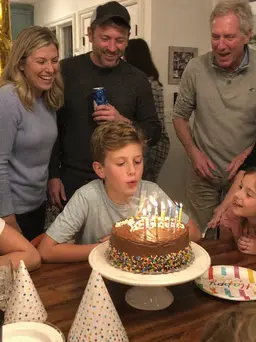

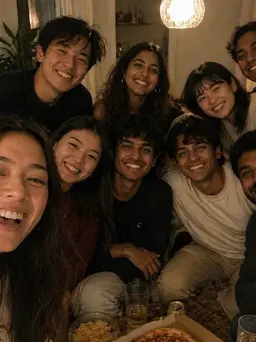


 August
 July
July
 The usual table
 Thirty
 Out west
MayaToday, 4 photos
New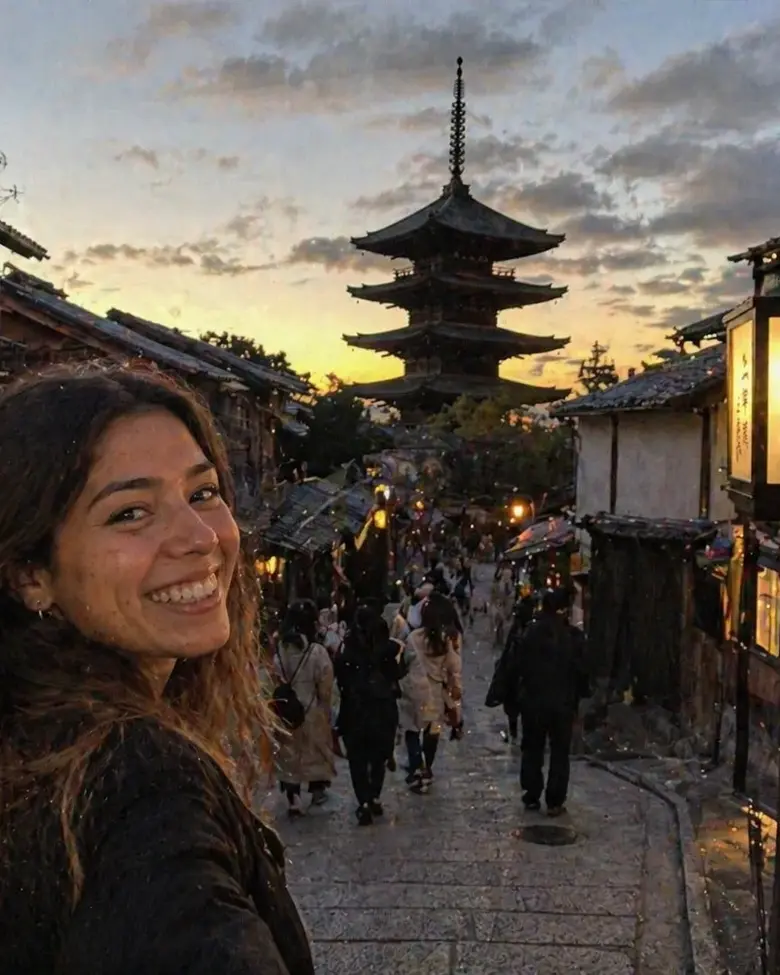 Kyoto1/4
Orma keeps a roll for every month. Add a photo or two from your day, and when the month ends, it develops into a story you can read, relive, and share with friends.
If you took photos today, Orma sends one quiet reminder in the evening, and never more than twice a week. Pick what belongs in your month. Nothing uploads until you choose.
Some weeks you’ll add something every day, some weeks nothing at all. Every photo you keep lands on this month’s roll, and the bar counts down to your story.
When the month closes, Orma writes your story overnight. It waits on Home until you hold to open it.
Your photos are grouped into chapters, each with a few lines about what happened. Switch to All Photos for everything, or Highlights for the best of it.
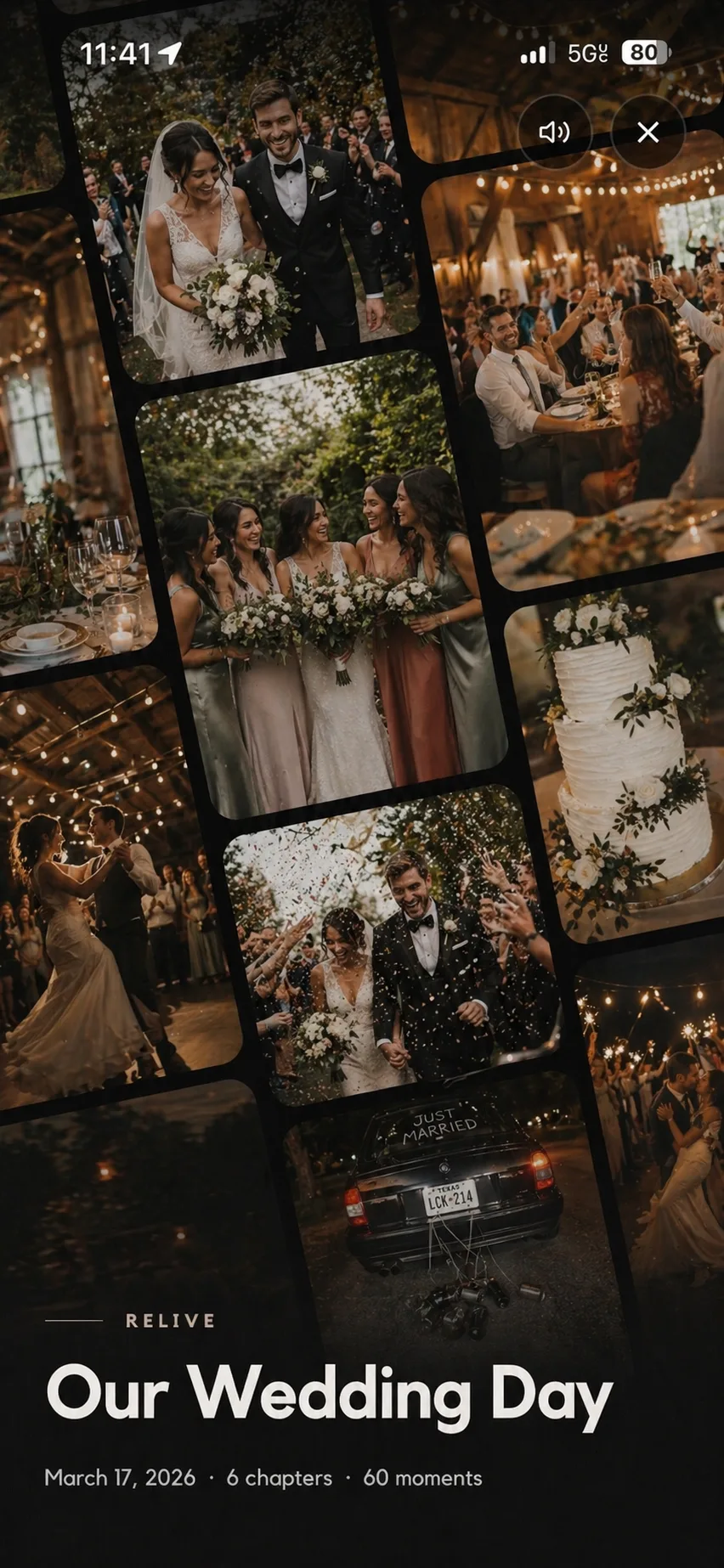
Press Relive Orma and the month plays full screen, chapter by chapter, with your captions over the photos.
Turn on auto-share and new photos in your monthly Orma reach your friends, grouped by day. Other Ormas are only shared when you choose.
September sits next to August and every month before it, one book for each year. October’s roll is already open.
Start a shared Orma and everyone adds photos from their own phone. When it’s over, it becomes one story with chapters, told from every angle.
At a reception, cast a live slideshow to the TV with a QR code guests can scan to add theirs.
Orma for weddings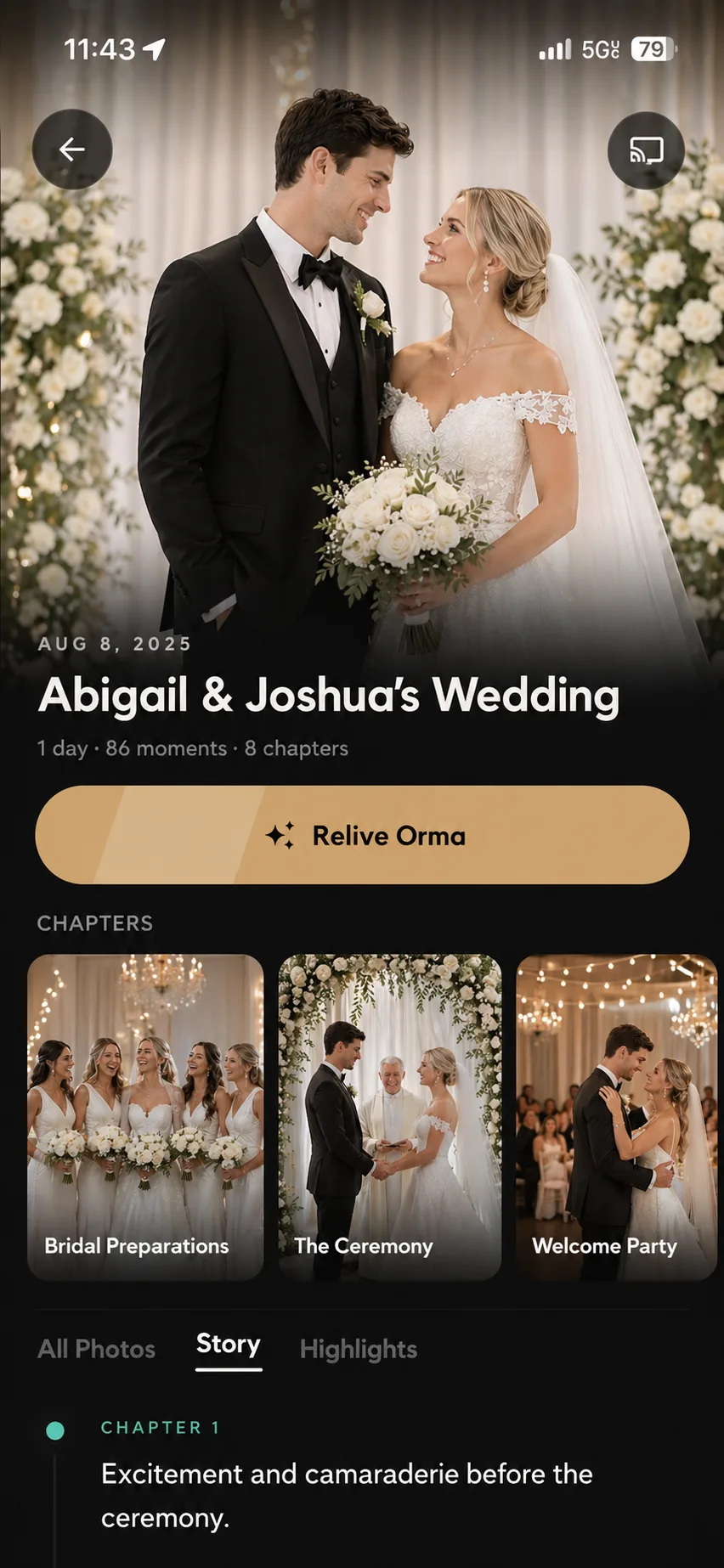
A photo journal is a diary kept in pictures instead of words. In Orma, you add a photo or two from your day to this month’s roll, and when the month ends Orma develops it into a written story with chapters and highlights. Some people call it a memory journal.
No. Add photos on the days you want to remember and skip the rest. The month’s story is made from whatever is on the roll.
When the month ends, Orma writes your story and highlights. It waits on Home until you open it. Until then, you can keep adding to the month.
You choose. With auto-share on, new photos in your monthly Orma reach your friends, grouped by day. Other Ormas are only shared when you choose. Keep auto-share off and your month stays private.
Yes. Start a shared Orma for the occasion and everyone adds their photos to the same journal. When it’s over, it becomes one story. How Orma works for weddings
Orma is on iPhone and Android.


 2024
2024